Contact Library
Concept | Last updated: 11/24/2025 | Learn about the Contact Library
In the Contact Library, you can manage (create, save, and edit) all of your contacts for your Kroger Precision Marketing (KPM Kroger Precision Marketing) Managed Service and Incentives Campaigns.
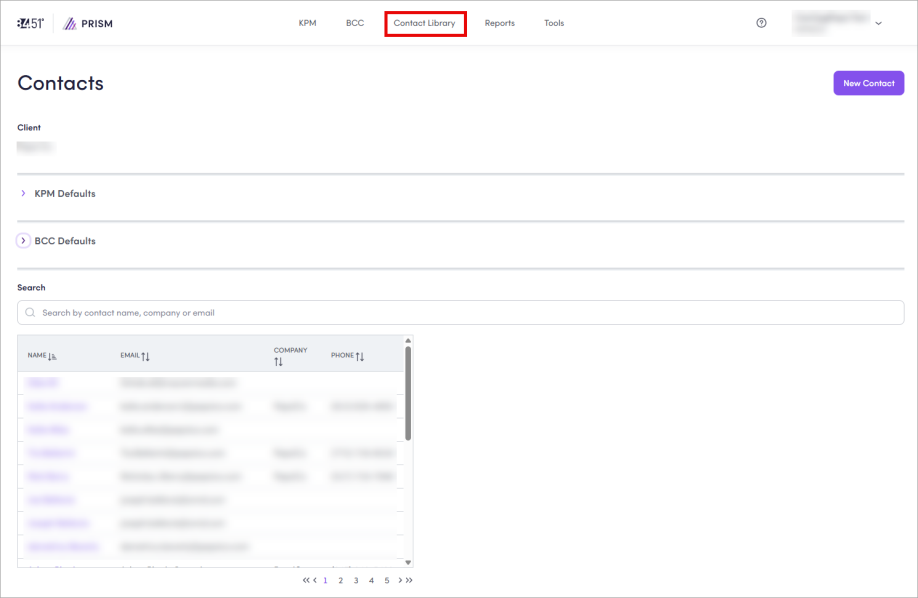
You can also set defaults to be used in specific roles for all of your Campaigns. These defaults will be automatically assigned to their roles when you create a new Campaign.
To learn how, see Use the Contact Library.
Contact roles and responsibilities
Many contacts have specific roles and responsibilities during the Campaign process. Depending on your Campaign type, some of these contacts must be assigned before your Campaign is submitted. Generally, the Primary Client Contact, Billing Contact, and Creative Contact must be assigned to all Campaigns.
The Submitting Representative contact is optional. You should assign this role if your company is represented by an Agency, so that this person can receive information regarding the Campaign.
The Contacts tab is where you can modify contacts and roles within your Campaigns.
To learn how, see:
-
Modify Contacts for a BCC Best Customer Communications Campaign
-
Modify Contacts for a Managed Service Campaign
-
Use the Contact Library (for all default contacts)
84.51° contacts
Also, within your Campaign, you'll see 84.51° contacts. These contacts also have specific roles and responsibilities during the Campaign process.
|
Title / Role |
Responsibilities |
|---|---|
|
Campaign Operations Specialists |
|
|
|
|
Media Buyer |
|
|
|
Related topics
Want to learn more about this topic? See these related topics:
Learn more
Explore other sections in the Learning Center to learn more about 84.51° Prism:
 Go to
Go to